Pre-Onboarding Steps
- In order to complete Onboarding, you must have vPortal access.
- vPortal is Vertican’s hub for purchasing products, performing administrative functions, and finding manuals and other help information.
.
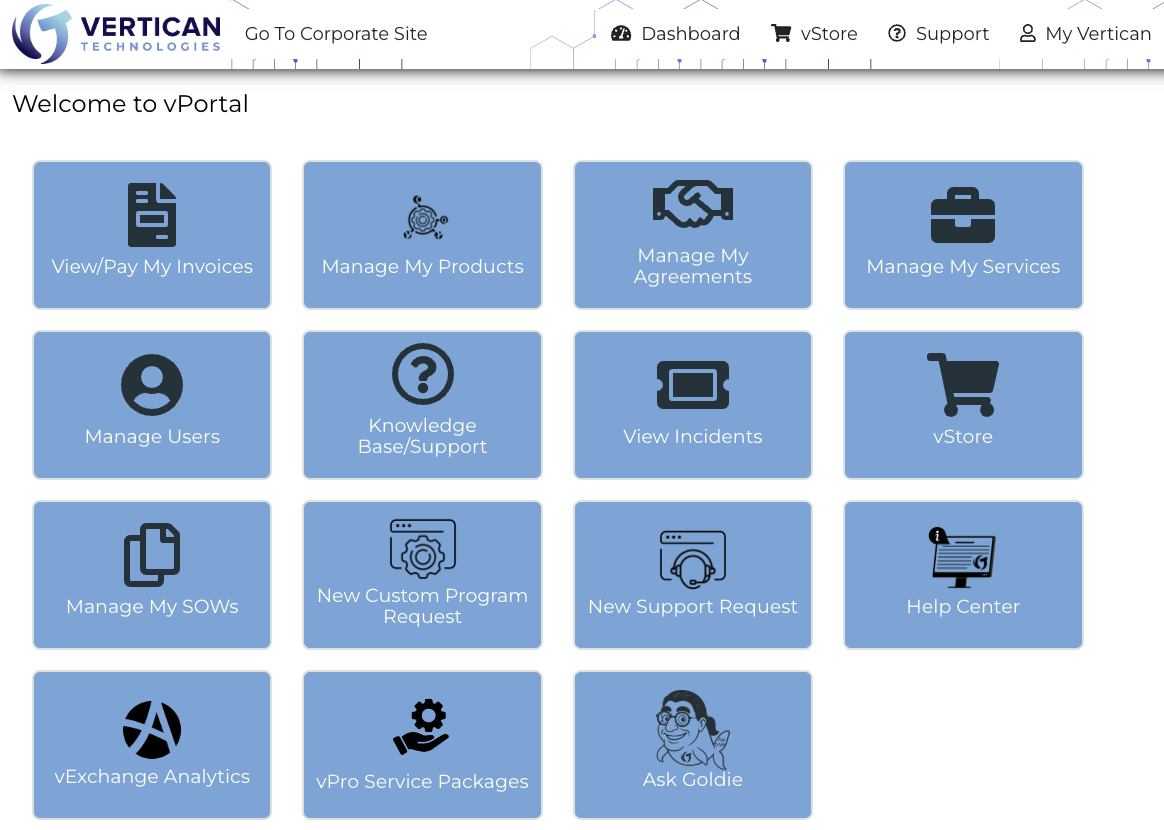
- Each firm has one vPortal “Firm Admin” to:
- Receive billing for the firm.
- Grant users access to vPortal.
- Reassign the Firm Admin, if necessary.
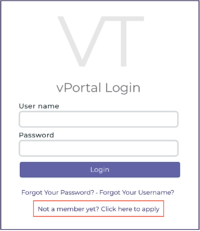
- The Firm Admin should go to vPortal and request access.
- At the bottom of the screen, click “Not a member yet? Click here to apply”.
.
 .
. - Enter your information and click [Submit Form].
- A message will confirm your submission.
- It takes up to 3 business days to process your request.
- You will receive an email from <portal@vertican.com>.
- Please check your junk folder and designate <portal@vertican.com> as a safe sender.
-
Activation Link
- Click the activation link inside the email from <portal@vertican.com>.
-
Confirm Client Registration
- Confirm your Client Name.
- Click the [Confirm Registration] button.
-
Sign the Master Services Agreement (MSA)
- Read the MSA, which sets forth the basic terms and conditions applicable to the licensing of software and provision of services by Vertican.
- Check the “I agree” box.
- Click the [Agree to MSA] button.
- You will see a confirmation that client registration was successful.
- Click the [OK] button.
-
Create New Firm Administrator
- Enter your name, email, and phone number.
- Enter your desired username and password.
-
Sign the End User License Agreement (EULA)
- Read the EULA, which governs the use of Vertican software and services.
- Check the “I agree” box.
- Click the [Register] button.
-
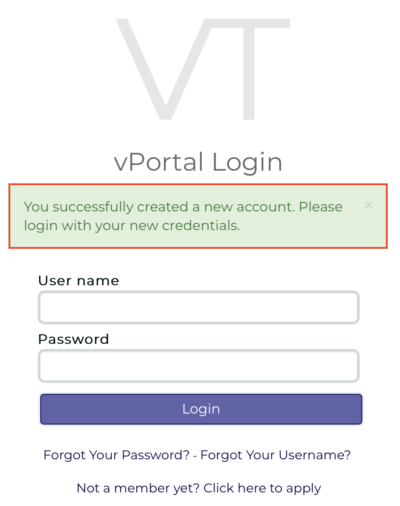
Log In to vPortal